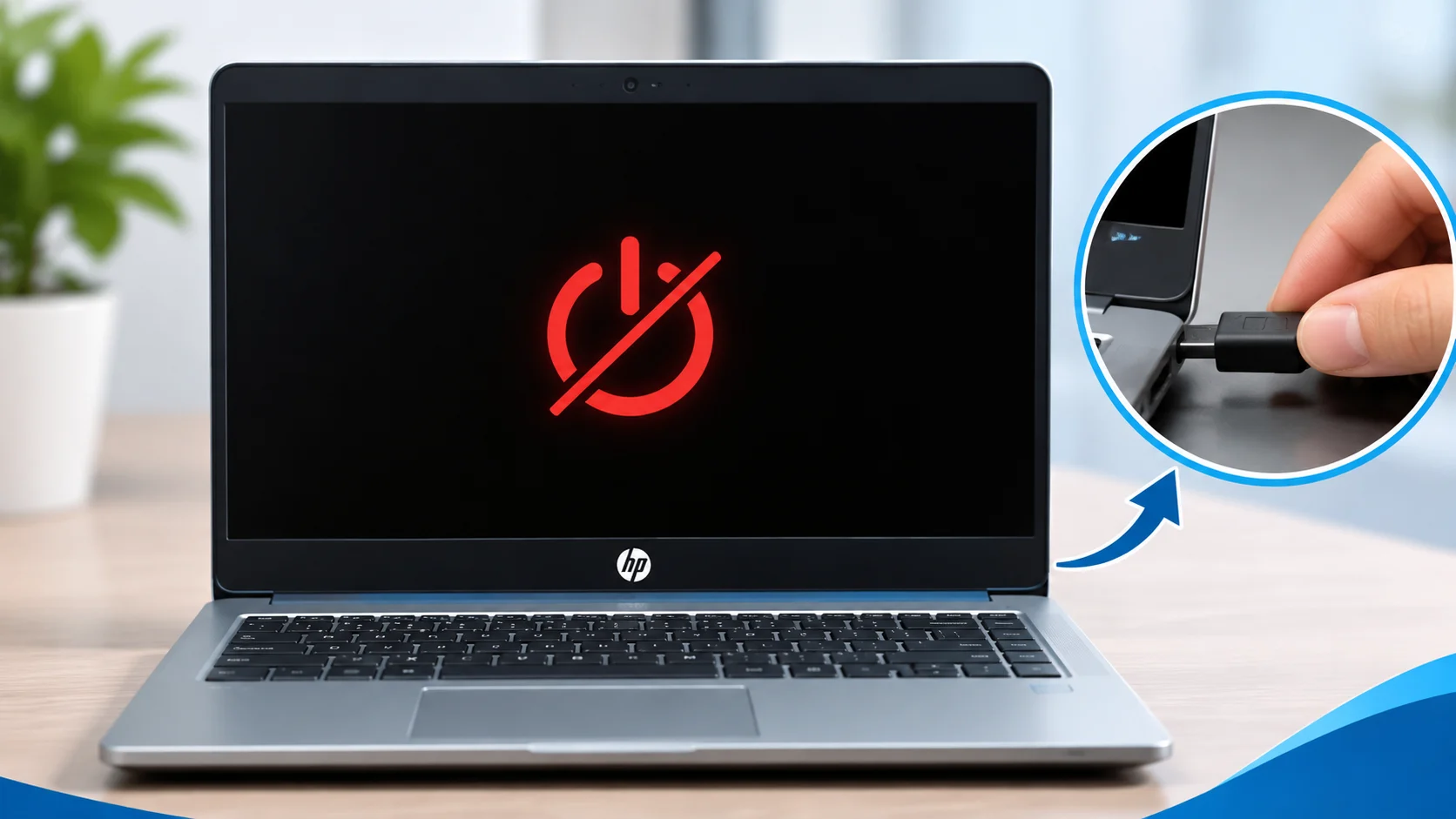
If your HP laptop is not turning on, the issue may be related to the charger, battery, power connection, display or an internal hardware fault. The exact cause can vary by HP laptop model.
Common Reasons an HP Laptop Won’t Turn On
Charger or power adapter is faulty.
Battery is discharged or has a problem.
Charging port or power connection is damaged.
Laptop receives power but display remains blank.
Internal hardware or motherboard power circuit needs diagnosis.
Basic Checks You Can Try
Check the Charger
Confirm the adapter is connected properly and the wall socket is working. If available, test with a compatible, known-good HP charger.
Check Power Indicators
Notice whether the charging LED or power light turns on, blinks or stays off. This can help identify the type of issue.
Try a Power Reset
Disconnect the charger and removable accessories. If the battery is removable, remove it. Hold the power button for about 15 seconds, reconnect the charger and try starting the laptop. Follow your model’s HP instructions.
Check for a Blank Screen
If lights or fan operate but the screen is black, the laptop may be powering on with a display-related issue. Avoid repeated forced shutdowns.
When Should You Get HP Laptop Repair?
If the HP laptop still does not turn on after basic checks, or its power light blinks in a repeated pattern, professional diagnosis may be required. A technician can inspect the charger, battery, charging port, display and motherboard power circuit as appropriate.
Avoid opening the laptop or attempting motherboard-level repairs without the required tools and experience.
HP Laptop Repair in Dehradun
City Laptop Service Center provides HP laptop diagnosis and repair services in Dehradun. Contact us to discuss your laptop’s symptoms and check service availability.
Troubleshooting results depend on the HP laptop model and the actual fault. This guide covers basic checks and is not a substitute for hardware diagnosis.